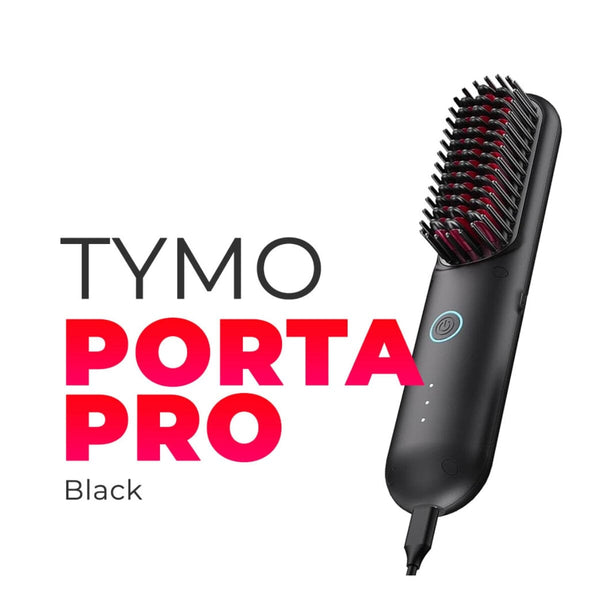
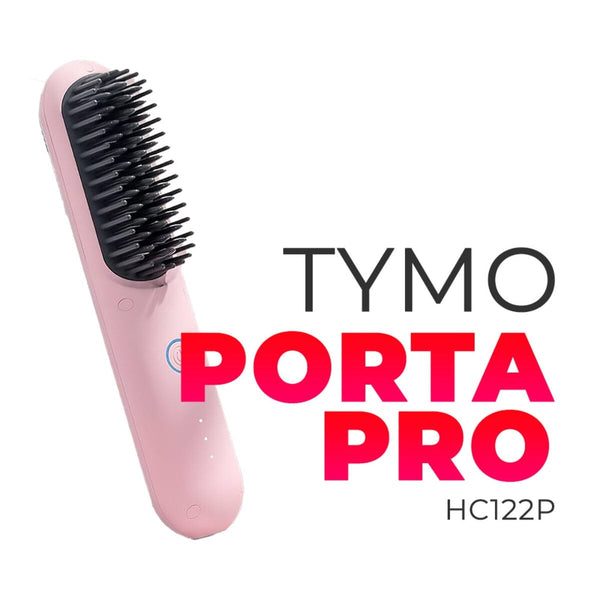
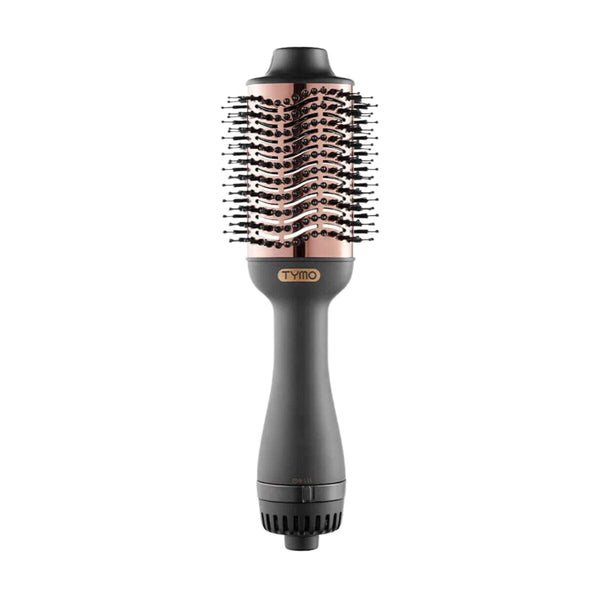
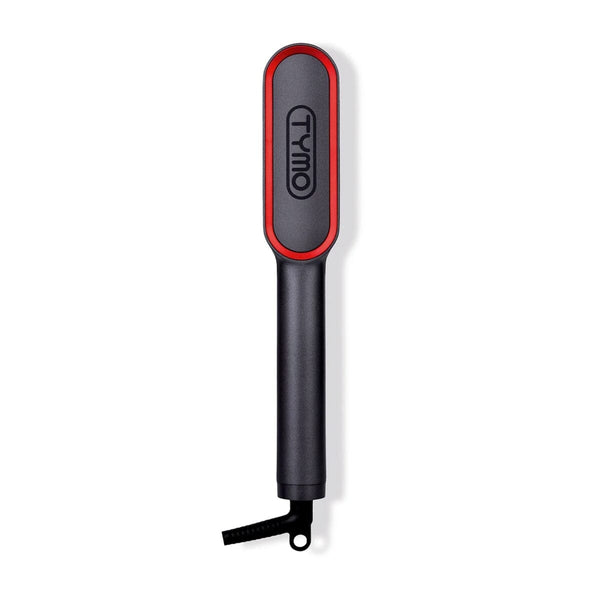
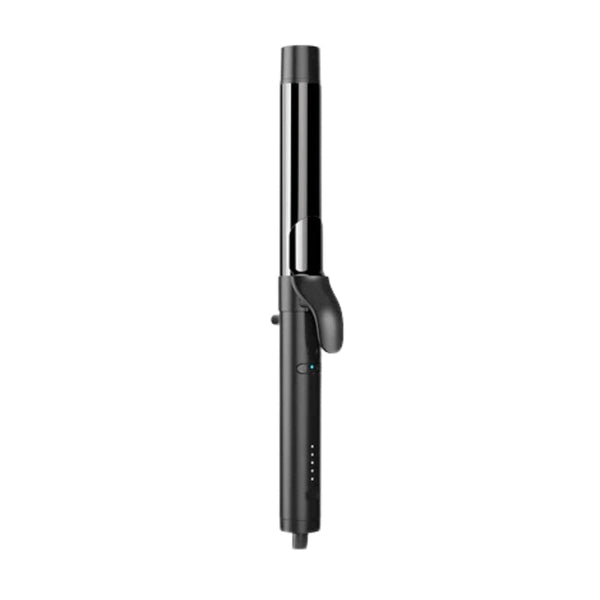
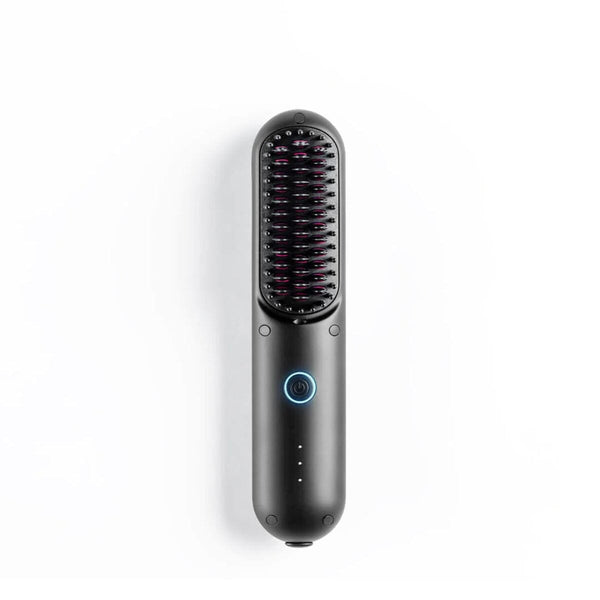
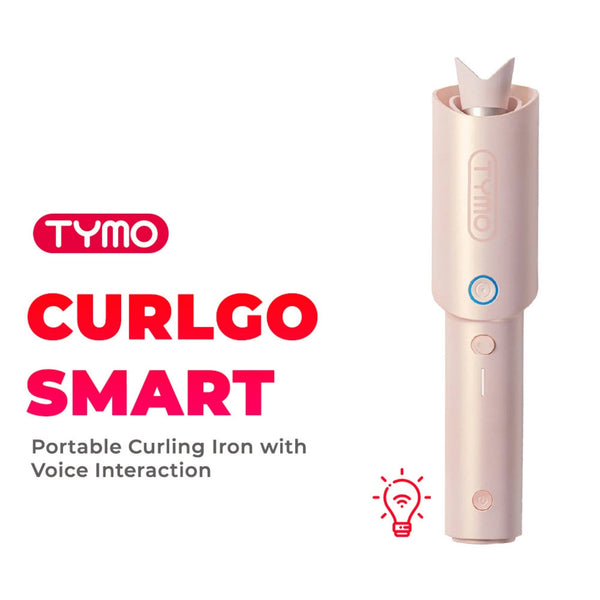
Have you gotten your hands on a tool from the viral TYMO Portables Series yet? Whether you are rocking the classic TYMO Porta, the Porta Pro, or the Curlgo, these wireless styling innovations have completely changed the on-the-go beauty game. Read on to discover our complete troubleshooting and maintenance manual so you can keep your device running flawlessly.
1. Power & Initialization Issues
Why isn't my TYMO Portable device turning on?
Before using, make sure to check these crucial safety and transit features:
- Disconnect the Charger: Your TYMO tool will not turn on while it is actively plugged into a charging cable. Unplug it first before trying to power it up.
-
Check the Safety Switches:
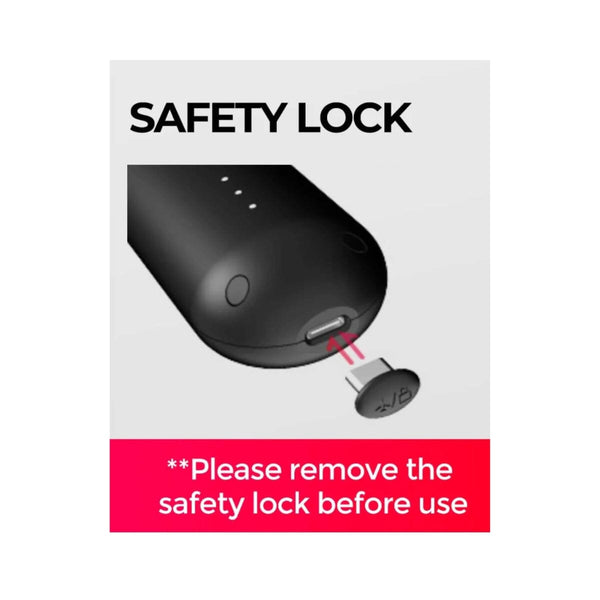
- For TYMO Porta: Make sure you have completely removed the plastic Travel Safety Pin from the bottom of the device.
- For TYMO Porta Pro & Curlgo: Locate the Built-in Travel Safety Mode Switch on the rear of the handle and switch it to the OFF position before turning on.
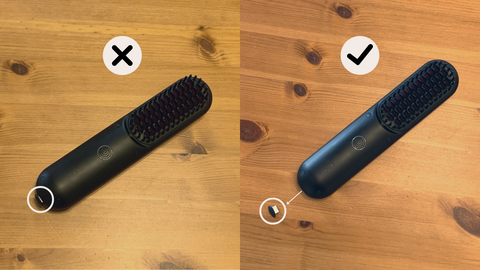
To prevent accidental activation while packed in your bag, remember you must also press and firmly hold the power button for at least 2 seconds to turn the product on.
2. Charging Guidelines & Battery Care
To maximize your 30 minutes of cordless styling freedom and protect the overall health of your lithium-ion battery, adhere to these official charging protocols.
How long should I charge my TYMO device?
Good things come to those who wait! For a standard TYMO Porta, a 90-minute charge gets you to 50%, while it takes 2-2.5 hours for a full 100% charge. Always ensure your tool is fully charged before use, and avoid interrupting its charging process by frequently unplugging it midway.
Understanding the LED Light Indicators
The LED light ring built around your power button serves as your dynamic battery status dashboard:
- While Charging: The blue LED ring will flash on and off. Once it is lit up completely steady, it means the unit is fully charged.
- Solid Blue Light: When turned on and in use, a steady blue light confirms your battery percentage is safely above 20% and ready for use.
- Flashing Red or Orange Light: When the power button starts showing an orange or blinking red light, it signifies the battery is dropping below 20%. It will drain completely within a few minutes, so make sure to plug it into a power supply immediately.
Power Supply & Storage Best Practices
Always use the supplied charger cord and exact wattage adapters (35 Watts for Porta; 65 Watts for Porta Pro and Curlgo). We highly recommend plugging into direct wall sockets rather than extension cords, as many multi-plugs restrict voltage flow. Additionally, lithium-ion batteries can degrade over time if left totally dead; protect its longevity by charging the unit at least once a month even during periods of non-use.
3. Heating Up & Temperature Settings
How do I operate and adjust heat settings?
Once the unit is turned on, abruptly press the power button to switch between heat settings, tracking your target temperature via the 3 LED dots on the equipment handle. While preheating, the selected dot will blink. When it turns solid, your brush has reached a consistent temperature and is ready to go! If you own the Porta Pro or Curlgo, you can also take advantage of corded use by simply plugging into a power supply and holding down the power button.
Why is there steam and a smoke-like smell coming from my device?
Don't panic! It is completely normal to notice some light vapor or a minor scent during your first few styling sessions. This simply means your product is heating up and getting ready to style your hair, safely clearing away minor manufacturing residues on the heating elements.
4. Cleaning & Outer Maintenance
Keeping your heated tool free of styling oils and product buildup guarantees an even heat distribution and prevents hair from snagging.
- The Dry-Clean Method: Grab a piece of clean paper towel or a completely dry wipe, and slowly slide it down between the heated bristles to lift away leftover dirt or product residues. You can also use clean mini-brushes or a dry toothbrush to sweep hard-to-reach spaces.
- Strict Liquid Ban: DO NOT use wet wipes, damp cloths, water, or chemical liquids of any kind on the brush. Introducing liquids can permanently damage the internal electronic circuitry.
Try these helpful troubleshooting tips as you explore flawless looks with your favorite TYMO tool! If you're still encountering issues with your device, feel free to send us a message and we can help you out.
Embrace wireless convenience and style effortlessly with TYMO Portables – shop the collection now on HairMNL and experience it for yourself. Demo units are also available for viewing in HairMNL Studio Serendra and HairMNL Studio Kapitolyo.